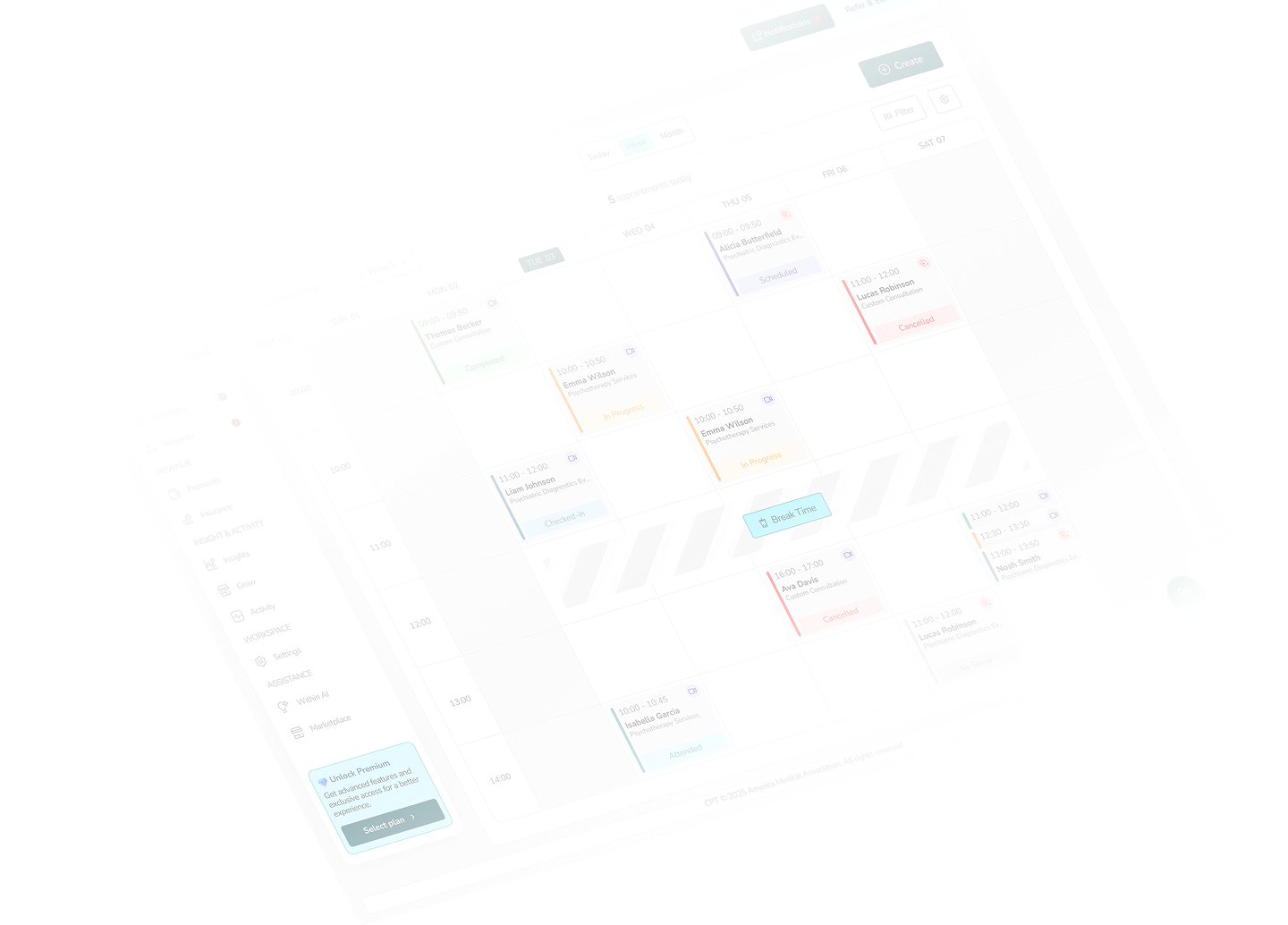
24/7 Scheduling That Protects Your Calendar
WithinEHR lets patients book the right slot with the right provider around the clock, while your rules quietly prevent double-bookings and keep the day balanced.
Smart scheduling
Effortless appointment management with automation.
Smart Scheduling automates bookings, syncs availability, and sends reminders to reduce conflicts and improve patient experience.
How It works
1. Set availability: Define working hours and open slot
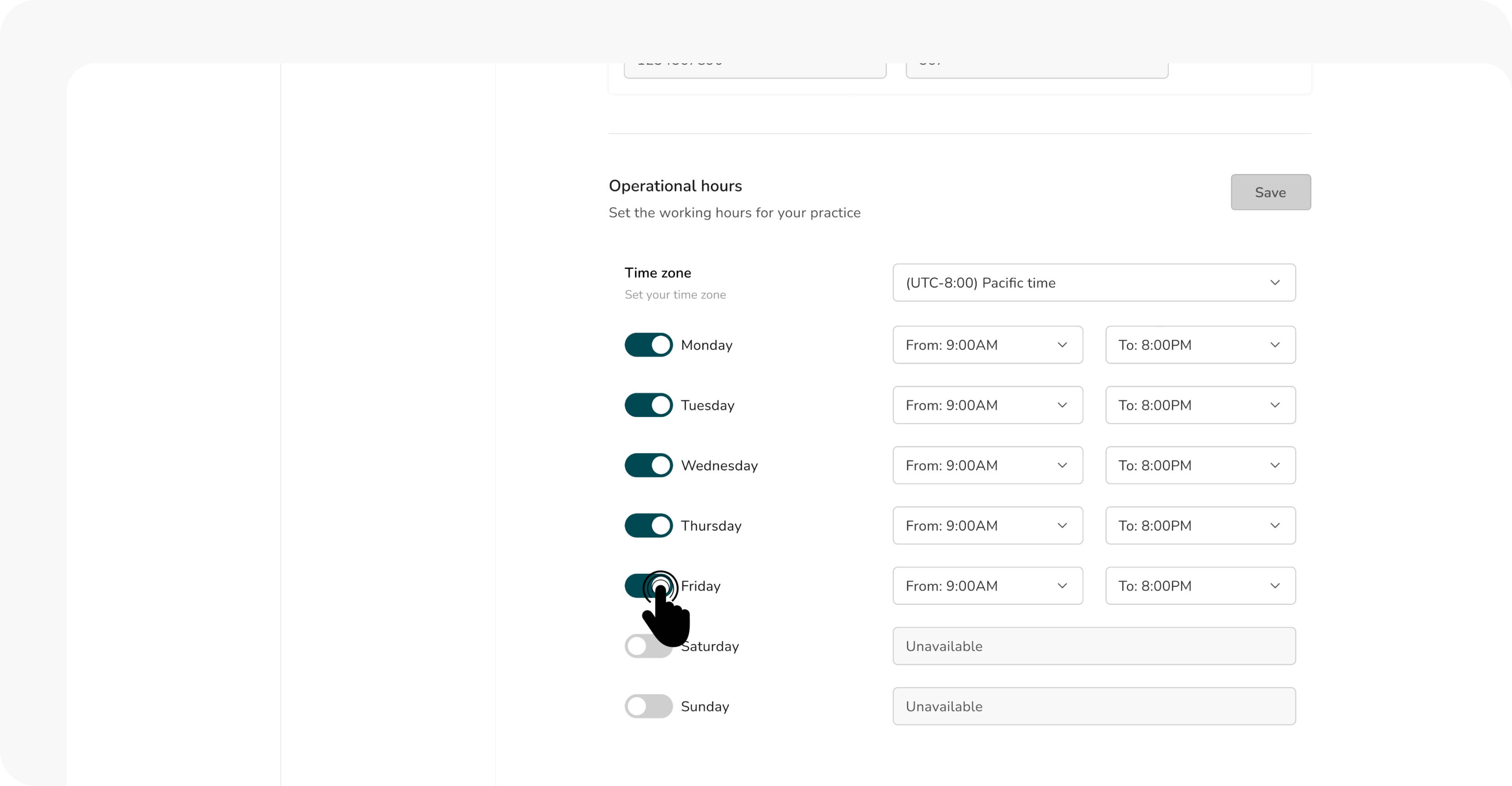
2. Automated booking:: Patients pick an available time slot.
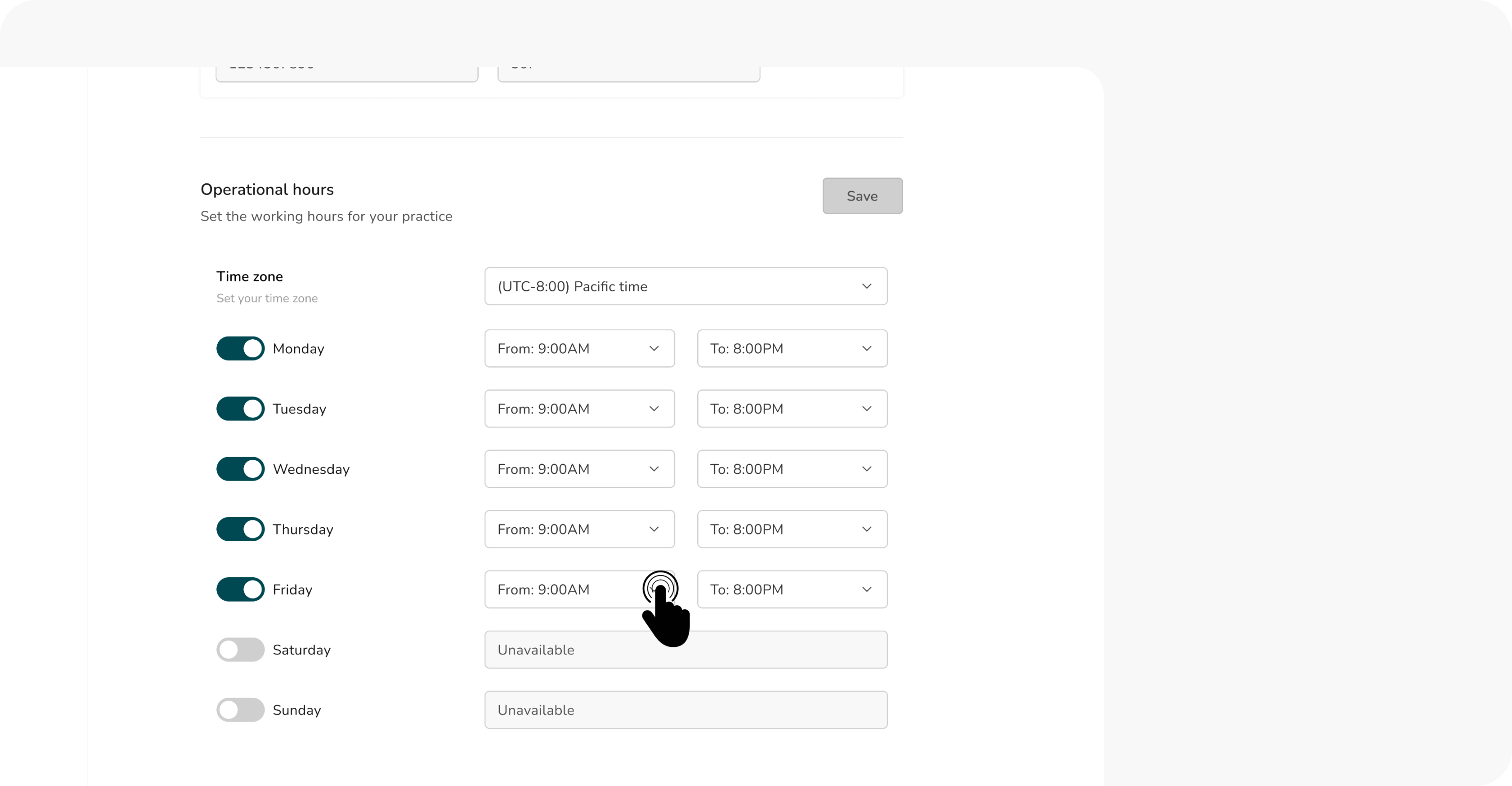
3. Instant notifications: Both parties receive confirmations.
4. Reschedule with ease: Adjustments are handled seamlessly.
5. Reminders & follow-ups: Automated alerts reduce no-shows.
Key benefits
- Time saving: Define working hours and open slot
- Fewer no-Shows: Sends reminders to keep patients engaged.
- Optimized workflow: Syncs with calendars for real-time updates.
- Flexible & customizable: Adjust availability anytime.
Related resources
How to set up smart scheduling
Step-by-step guide to configuring availability, booking rules, and automated reminders.
Best practices for reducing no-shows
Tips on using reminders, confirmations, and flexible rescheduling to minimize missed appointments.
Integrating EHR with billing systems
Learn how to sync appointments with patient records for a seamless workflow.
Security guidelines for healthcare providers
Strategies to streamline appointment management and improve efficiency.
Looking for more guidance?
Explore our full range of support resources to maximize your WithinEHR experience.
Visit the help center